Everything Blit can do
A full pixel-art studio — draw, animate, rig characters, auto-tile whole levels, and export straight to your game engine. On Mac, iPad & iPhone.
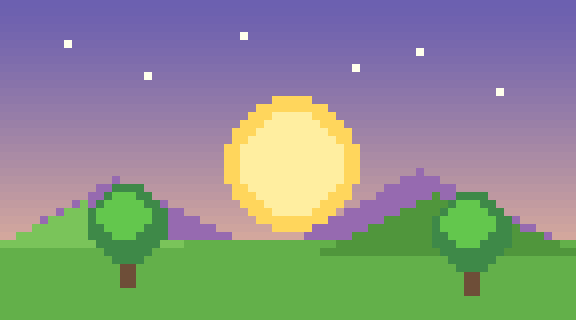
Canvas & navigation
A canvas that gets out of your way. Zoom with a pinch, the wheel, or the slider — it
steps through even stops from 10% to 40× and homes in on your pointer, never crawling or
jumping. Two-finger scroll (or hold Space and drag) to pan, and
Zoom to Fit (⌘0) snaps the whole sprite into view. A
configurable checkerboard shows transparency, an optional grid overlays the pixels, and
everything stays razor-crisp at any magnification.
Drawing tools
Every pixel tool you'd reach for, each with size and a square or round tip. Expand the
tool strip with › for labels and built-in how-tos.
The essentials — draw and rub out at any brush size.
Flood an area of colour; sample any colour on the canvas or reference.
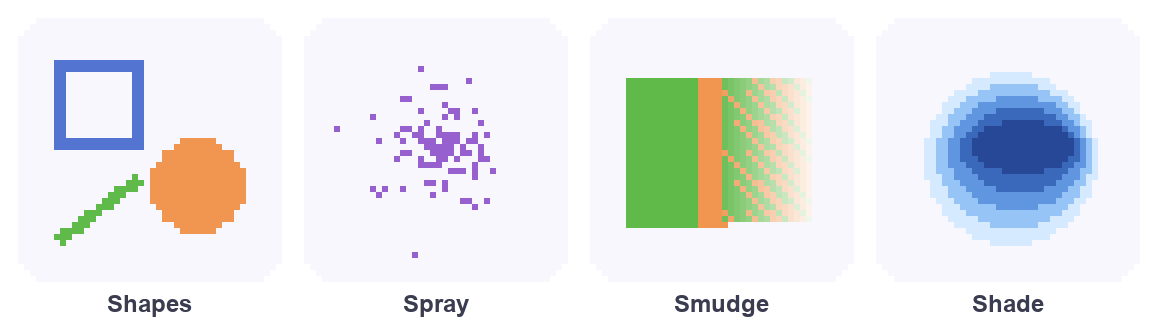
Rubber-band shapes — a Fill toggle makes them solid.
Click corners to build a polygon, or draw a freehand outline that closes and fills.
Click start, end, and a control point for a smooth Bézier.
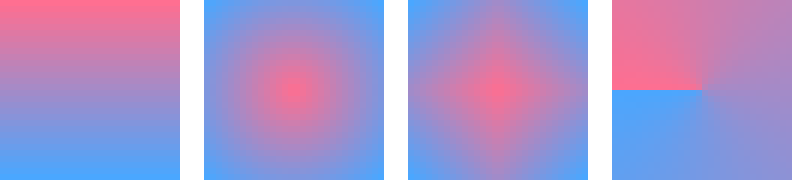
Five shapes (linear, reflected, radial, diamond, conical) with smooth or ordered-dither blends.
Drag colour so it smears and fades, or soften pixels within a radius.
An airbrush that scatters and builds up — with radius, amount, and falloff.
Click a colour and swap every instance of it for the current one.
Nudge pixels lighter or darker along a ramp built from your palette.
Scatter pixels within a radius for texture and noise.
Draw one side and it mirrors ⟷, ↕, or 4-way — drag the pink axis to move it.
Brushes & inks
The brush has real range — the same pencil can lay a flat 1px line or wash in soft watercolour build-up.
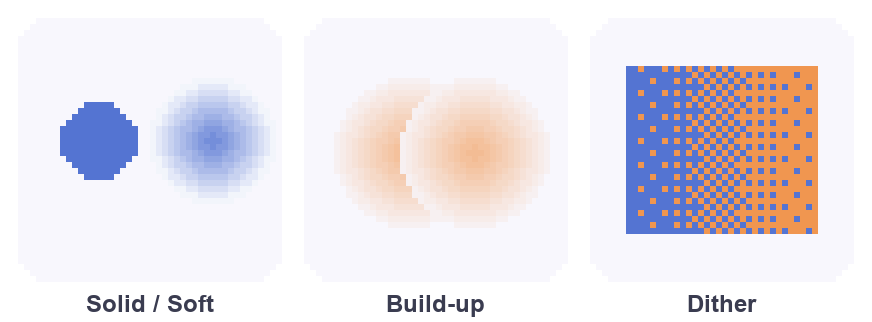
Solid (replace), Soft (composite), or Lock α (paint only where pixels exist).
An even coat, or overlaps that darken like real paint.
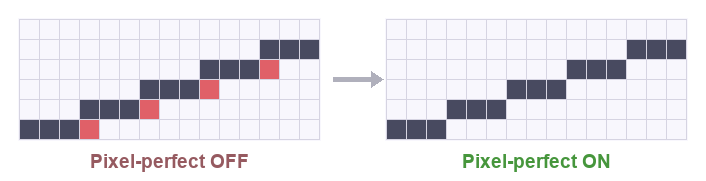
Cleans a slow curve into a tidy 1px line — no doubled corners.
An ordered Bayer pattern with a density slider for two-colour blends.
Select a region → Make Brush (⌘B) and stamp that shape along a stroke.
Save named brushes and reuse them across every project.
Layers, blend modes & colour
Stack your art in layers — add, duplicate, reorder, and set visibility, lock, opacity, and one of eight blend modes per layer (multiply, screen, overlay, add, and more). Every change is its own undo step.
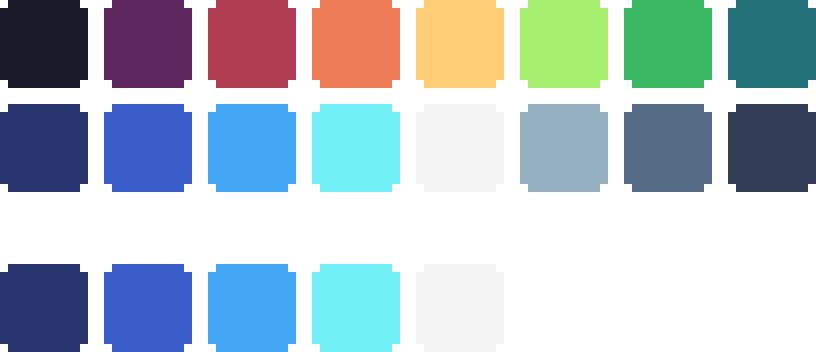
Pick colours with the inline SV / hue / alpha / hex picker — no system
dialog needed. The palette lets you add, edit, and drag-reorder swatches,
and import or export Lospec-style palettes (.gpl,
.hex, .pal) — or pull a palette straight out of a PNG, replacing
or merging into what you have.
Selection & editing
Select a rectangle with the marquee, or click with the magic
wand (adjustable tolerance, plus "same colour everywhere"). A selection
masks your paint tools so you only draw inside it. Move it, copy / cut /
paste (⌘C / ⌘X / ⌘V — even to and from other apps), or flip it
(⇧⌘H / ⇧⌘V). Undo and redo restore the pixels and the
selection together, so a move never desyncs.
Animation
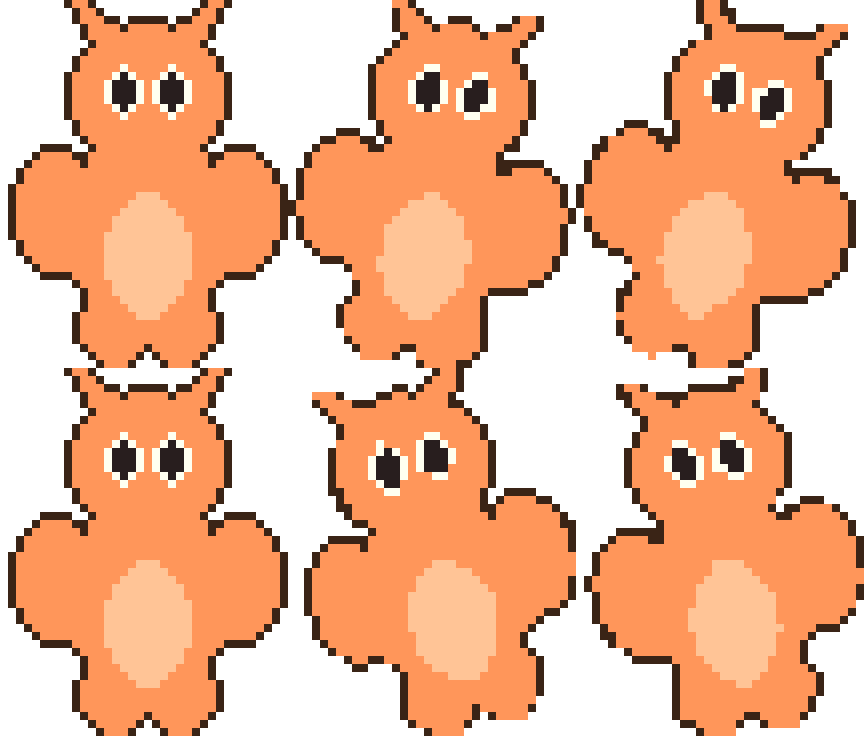
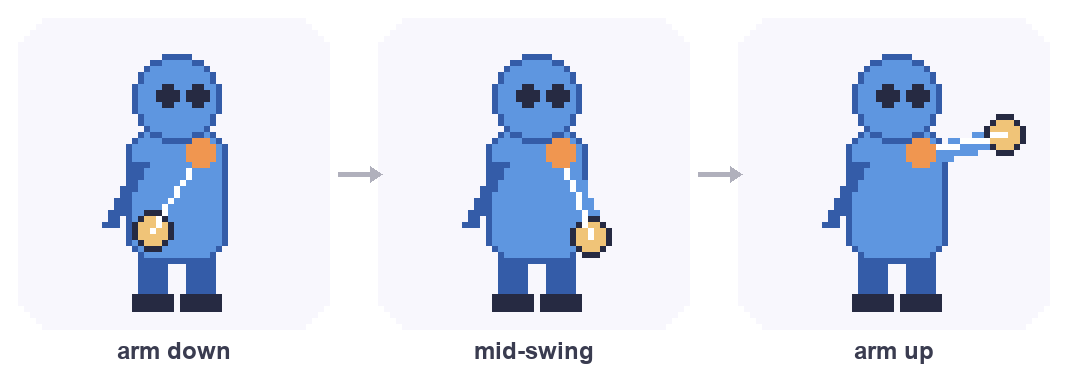
A timeline turns your sprite into a living thing. Add, duplicate, and reorder frames (each with its own duration), draw with onion-skin ghosts of the neighbouring frames, and mark ranges as named tags (walk, idle…) you can play on their own.

Rigging — skeletal animation
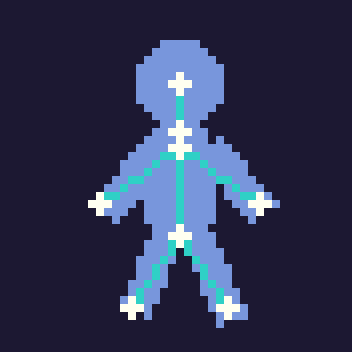
Add bones and pose them with an angle slider (children follow their parents), or just drag on the canvas and inverse kinematics reaches the whole chain toward your finger. Bind a region of pixels to a bone so several bones drive one layer. Not sure where to start? Auto-Rig inspects your art and builds a rig in one click, and Generate Idle drops a looping, breathing sway on top instantly. Key poses over time, scrub to preview the tween, then bake it into real frames.
Tilesets & auto-tiling
Slice a drawing into a deduplicated tileset, then paint with it. Blit can generate the 16 auto-tile pieces for you from a single colour — so you paint connected terrain without hand-drawing them — and its dual-grid mode gives exact, seamless rounded corners with no grid lines between tiles.
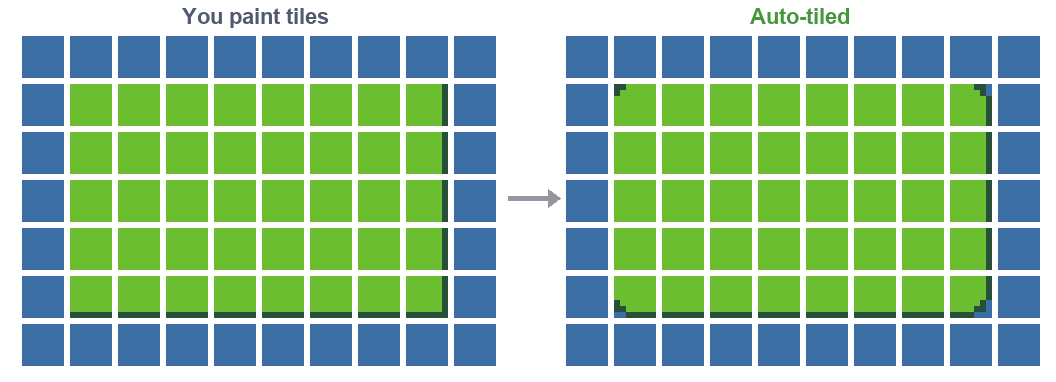
Save tilesets to a cross-project library, import any spritesheet PNG as editable tiles, and Export Tilemap to a packed PNG + CSV + JSON manifest that Godot, Unity, and Tiled import with no plugin — per-tile flips and all.
Photo → pixel art & reference
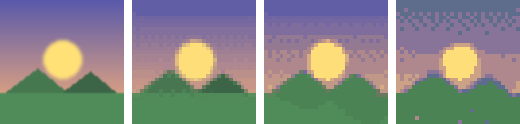
Turn a photo into pixel art with a live colour slider, dithering, and pinned "protect" colours.
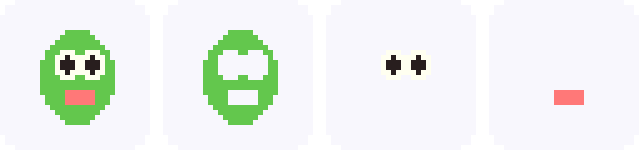
Split an image into layers by colour — or by subject/face with Vision.
Overlay an image at any opacity, flip and scale it, and eyedrop colours from it.
Bring any PNG/JPG in as a new layer, scaled to fit and centred.
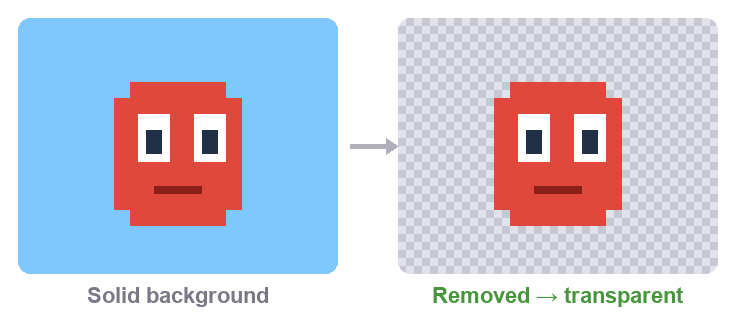
One step clears the background to transparent — auto-detected from the edges, with a tolerance for photos.
Effects & canvas operations
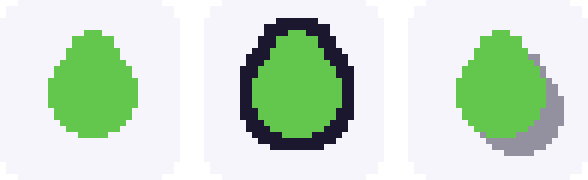
Ring your art outside, or recolour its inner edge — 1–8px, optional 8-way corners.
Cast a shadow in any of 8 directions, on a new layer or merged in.
Crop/pad around a 9-way anchor, or scale nearest-neighbour (2×/4×/½).
Rotate 90°/180° or flip the whole sprite across every frame and layer.
Version history — “git for art”
Every save is snapshotted (with a thumbnail), and you can drop named checkpoints at milestones. Compare any two versions side by side, overlay them with a draggable wipe, or see a red changed-pixels heatmap — down to a single layer or frame. Restore any version as one undoable step, and explore alternate directions on named branches.
Files & export
Blit saves native .blit documents — layers, animation, rig, reference, and
history, all in one file — and is fully multi-window on Mac with Open Recent and safe
open/clobber guards. It also opens and exports Aseprite
(.aseprite) files, tilemaps included.
Flat image or animated GIF, ready to share.
Packed frames with a manifest for your engine.
Export straight to Godot, or round-trip with Aseprite.
PNG + CSV + JSON that any engine imports plugin-free.
Across your devices
Draw with the Apple Pencil and pressure changes your brush size — with a curve you can tune in Settings → Pen — while a resting palm is ignored. On the Mac, a graphics-tablet pen (Wacom, Huion…) gets pressure too. Panels adapt to the screen: inline columns on a big display, a slide-over drawer on a narrow iPad, a bottom sheet on iPhone. And whichever plan you're on, it covers every Apple device you sign in with — one Apple ID, Mac and iPad and iPhone.